What Is Self Hosting? A Deep Dive from a DevOps Perspective
I remember the first time I decided to ditch cloud services and run my own mail server back in 2016. It was frustrating and exhilarating at the same time. Over the years, I've built and maintained over 15 self-hosted services, from Nextcloud instances to private VPNs and even a Kubernetes cluster running in my basement. Self hosting is not just a buzzword; it’s a lifestyle choice that offers control, privacy, and often, cost savings.
If you’ve ever asked yourself "what is self hosting?" or wondered why so many privacy advocates swear by it, you’re in the right place. I’m Viktor Marchenko, a DevOps engineer based in Kyiv, and I’ve helped over 200 people set up home labs. Today, I’ll share what I've learned from hands-on experience.
What Does Self Hosting Actually Mean?
At its core, self hosting means running software services on your own servers instead of relying on third-party providers. This could be anything from hosting a personal blog, a file-sharing platform, or even your own email server.
In my experience, self hosting comes down to three pillars: control, privacy, and customization. When you self host, you dictate how your data is stored, who accesses it, and how your services operate. No vendor lock-in, no unexpected GDPR compliance issues, and no surprise outages because you’re reliant on someone else's infrastructure.
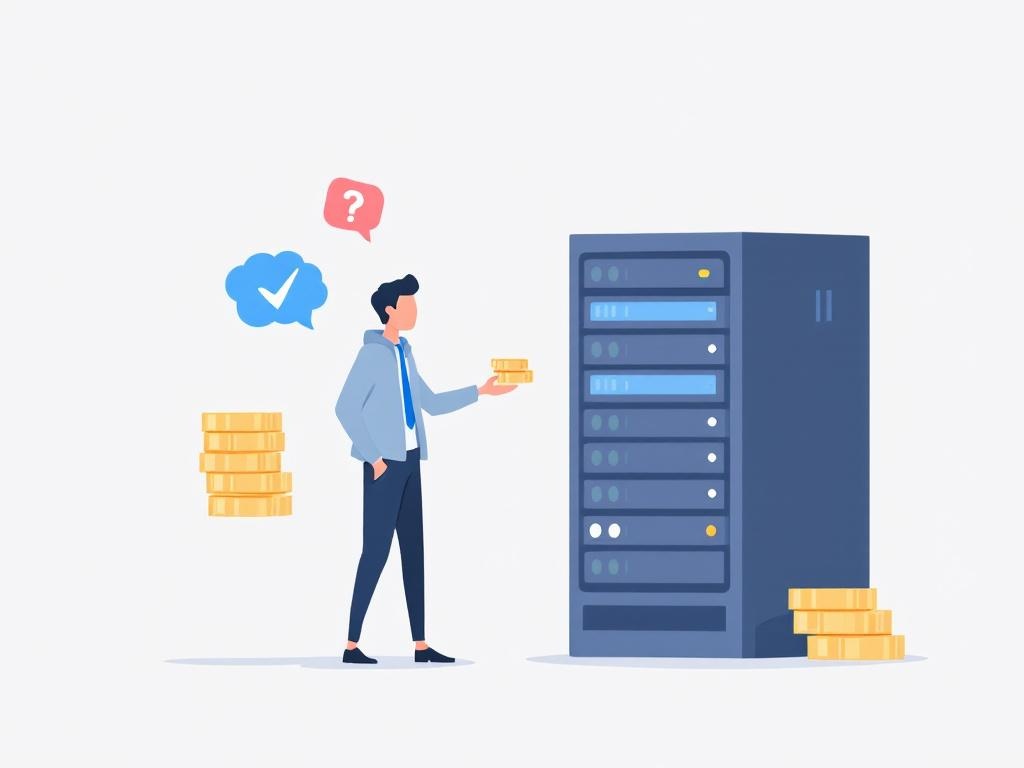
For example, I run my own instance of Nextcloud, which replaces Dropbox and Google Drive. Instead of paying $10/month for 2TB on Google, I invested around $300 in a low-power Intel NUC and a 4TB WD Red NAS drive. The upfront cost was higher, but my monthly expense dropped to about $5 for electricity. Over two years, that’s a savings of over $220.
Why Choose Self Hosting Over Cloud Services?
Cloud services like AWS, Google Cloud, or Dropbox offer convenience. You get instant setup, global availability, and managed maintenance. However, these benefits come with recurring costs and privacy trade-offs.
In my experience, the tipping point for self hosting is when:
- You want full ownership of your data.
- Subscription fees start to add up.
- You're ready to take on responsibility for uptime and security.
A study by the Electronic Frontier Foundation (EFF) found that over 60% of people are concerned about how cloud providers handle their data. Self hosting gives you the reins.
Here’s a quick comparison of popular file storage options:
| Service | Monthly Cost | Storage Limit | Privacy | Setup Complexity |
|---|---|---|---|---|
| Google Drive | $9.99 (2TB) | 2TB | Low | Very Easy |
| Dropbox | $11.99 (2TB) | 2TB | Low | Very Easy |
| Nextcloud (Self Hosted) | ~$5 (Electricity + Hardware Amortization) | Depends on your hardware | High | Medium to High |
| Syncthing (Self Hosted P2P) | Free | Depends on your devices | High | Medium |
Start small. For instance, self host your personal blog or a private photo gallery first. It helps you get comfortable with server management before tackling more complex services.
The Privacy Advantage of Self Hosting
Privacy is a huge motivator for many who move to self hosting. Running your own email server or chat platform means your data doesn’t get scanned or sold. It stays under your roof — or at least under your control.
In Kyiv, with ongoing geopolitical tensions and increased cyber threats, privacy isn’t just a luxury; it’s a necessity. I’ve seen companies and individuals lose data or have their accounts compromised due to centralized cloud breaches.
The MIT Technology Review recently reported that 45% of data breaches in 2023 involved cloud service vulnerabilities. Self hosting can mitigate some of these risks by reducing your attack surface and limiting third-party access.
However, with great power comes great responsibility. Running your own service means managing security patches, backups, and monitoring. I’ve learned this the hard way, losing a week’s worth of email data once due to a backup misconfiguration.
• Requires continuous maintenance
• Initial setup can be technically challenging
What You Need to Start Self Hosting
You don’t need a data center to begin. Many self hosting setups run on modest hardware:
- A Raspberry Pi 4 (around $55) can handle light workloads like a personal wiki or VPN.
- An Intel NUC or used server ($200–$400) provides more power for services like Nextcloud or media servers.
- A Synology NAS ($300–$500) offers a user-friendly interface and good storage options.
Software choices are vast. Here are some common categories and tools I recommend:
- File storage: Nextcloud (free), Syncthing (free)
- Media streaming: Plex ($4.99/month or $119.99 lifetime for Plex Pass), Jellyfin (free)
- Email server: Mailcow (free), Mail-in-a-Box (free)
- VPN: WireGuard (free), OpenVPN (free)
Real-World Example: My Home Lab Setup
I run 15 different services, including:
- Nextcloud for file syncing
- Jellyfin for media streaming
- WireGuard VPN for secure remote access
- Home Assistant for smart home automation
All of this is hosted on a custom-built 8-core AMD Ryzen 3700X server with 32GB RAM and 4TB RAID 1 storage. The server cost me around $1200, running 24/7 with an electricity cost of roughly $12/month.
Compared to cloud subscriptions totaling nearly $200/month, this setup saved me about $2000 in the first year. Plus, I control every byte of my data.
Pros and Cons of Self Hosting
• Data privacy and control
• Potential long-term cost savings
• Customizable to your needs
• Requires technical knowledge
• Time-consuming maintenance
• Hardware and electricity costs
"Self hosting is the ultimate way to take back control from big tech companies, but only if you are willing to invest the time and effort to manage your own infrastructure." — Sarah Allen, CTO at IndieHosters
Getting Started: A Step-by-Step Guide
If you’re ready to jump in, here’s a simple approach I recommend:
- Pick a service to self host. Start with something simple like a personal blog (WordPress on a Raspberry Pi) or a file sync tool (Nextcloud).
- Choose your hardware. Begin with what you have; even an old laptop can work.
- Install your OS. Ubuntu Server LTS is a solid choice for beginners.
- Deploy your service. Use Docker to simplify installation.
- Secure your server. Configure firewalls, use SSH keys, and keep software updated.
- Backup regularly. Use automated scripts or tools like Duplicati.
Set up monitoring with Prometheus and Grafana to keep an eye on resource usage and uptime. It saves headaches down the road.
The Future of Self Hosting
With rising cloud costs and increasing privacy concerns, I believe self hosting will grow in popularity. Projects like Yunohost and Sandstorm are making it easier for non-experts to get started.
The rise of edge computing and affordable ARM hardware means home labs will become more powerful and energy-efficient. Expect more AI and automation tools designed specifically for self-hosted environments.
Self hosting isn’t just about technology—it’s about reclaiming control over your digital life, balancing costs, privacy, and customization on your own terms.
FAQ
Is self hosting expensive?
Do I need advanced technical skills?
Can I self host on a Raspberry Pi?
Is self hosting secure?
What services are best to self host first?
Ready to reclaim your digital sovereignty? Start experimenting with small self-hosted projects today. The control, privacy, and customization you gain are well worth the learning curve.
Viktor Marchenko
DevOps Engineer | Privacy Advocate | Home Lab Enthusiast